TechHaven SmartPlug UK — 20A WiFi, Energy Monitor & Timer


TechHaven SmartPlug UK — 20A WiFi, Energy Monitor & Timer
Designed specifically for UK 3-pin sockets, the TechHaven SmartPlug UK gives British homes all the smart features they deserve — remote control, voice commands, energy monitoring and timer scheduling — in a plug that actually fits.
Smart Features Built for the UK:
- 🇬🇧 UK 3-Pin Design — fits all standard British wall sockets perfectly
- 📱 Remote App Control — turn devices on/off from anywhere via smartphone
- 🗣️ Alexa & Google Voice Control — hands-free control of any device
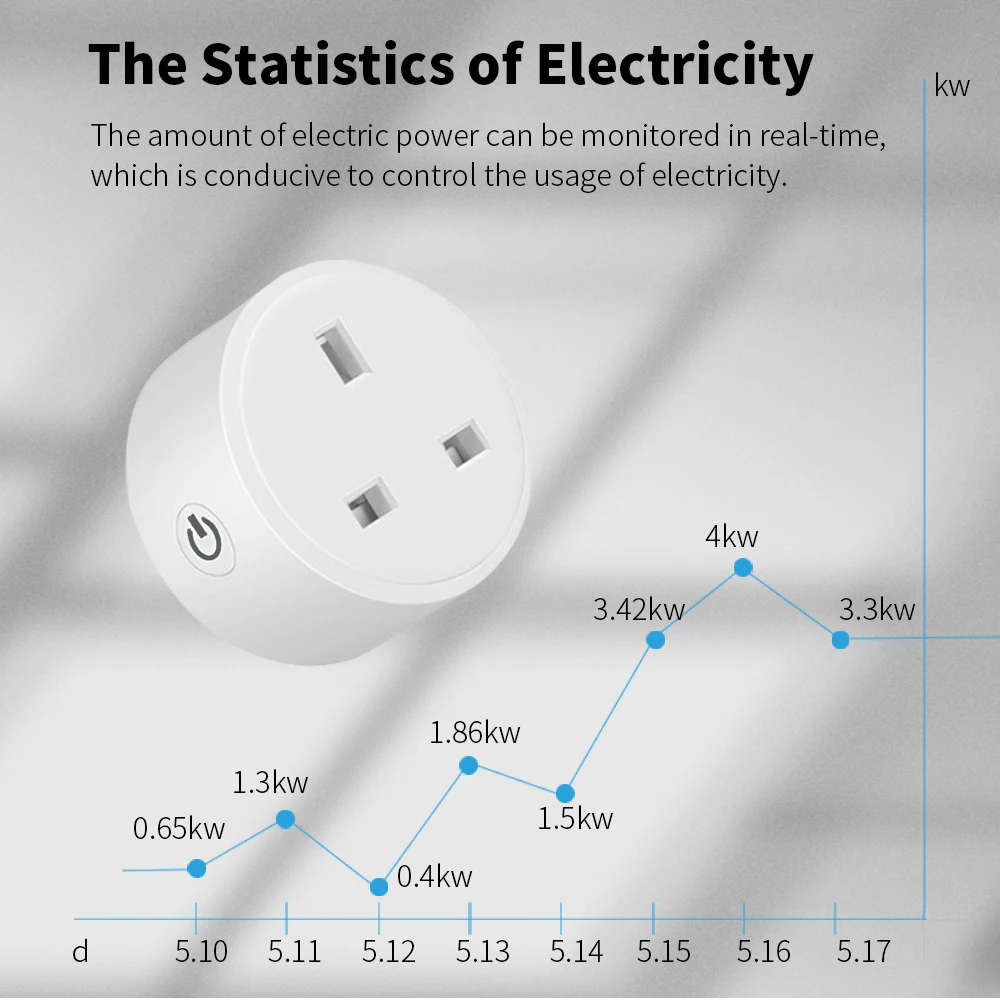
- ⚡ Energy Monitoring — track electricity usage and reduce your bills
- ⏰ Timer Function — schedule devices to turn on and off automatically
- 🔌 20A High Power Rating — safely handles kettles, heaters and high-draw appliances
Perfect for UK homes, flats and offices. Works with any smart home system and requires only a standard WiFi connection to set up.
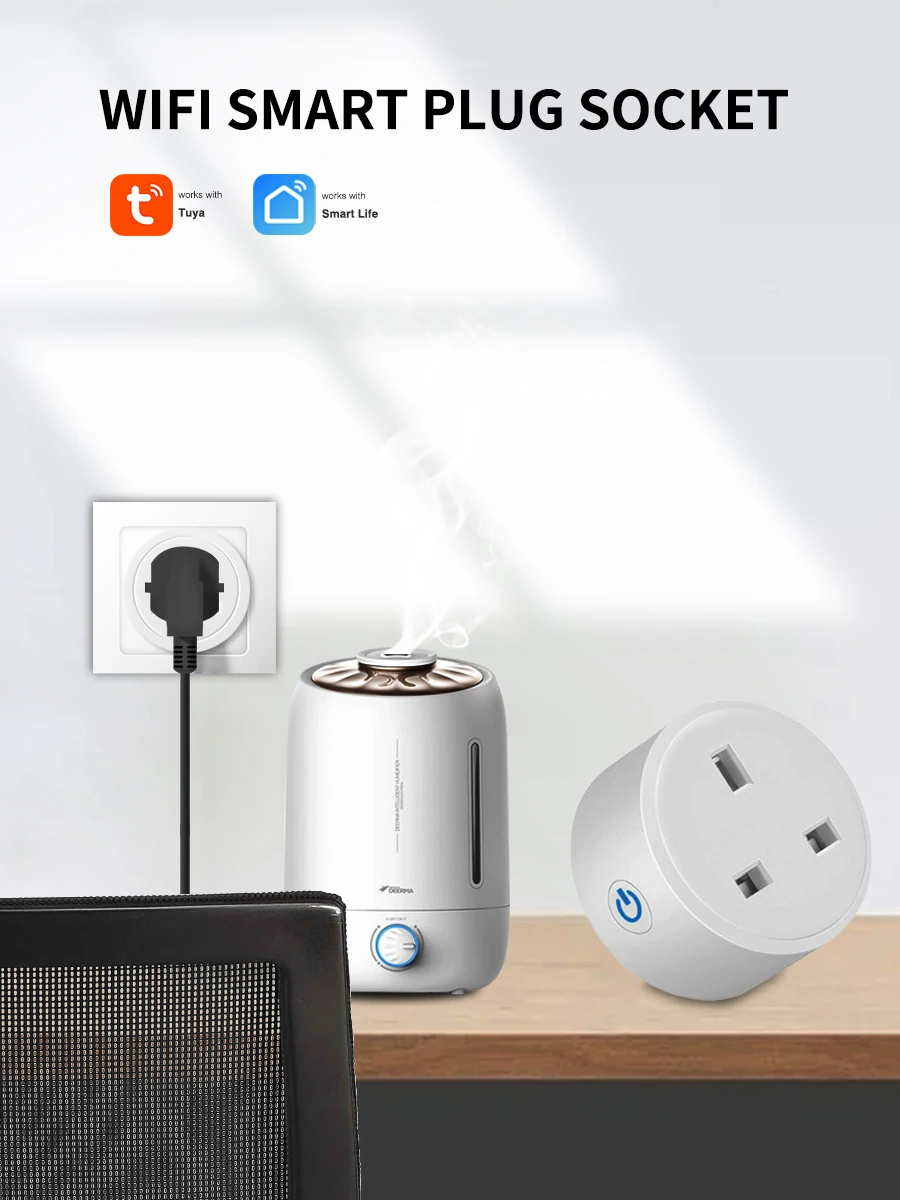
Superpower 1:Voice Control
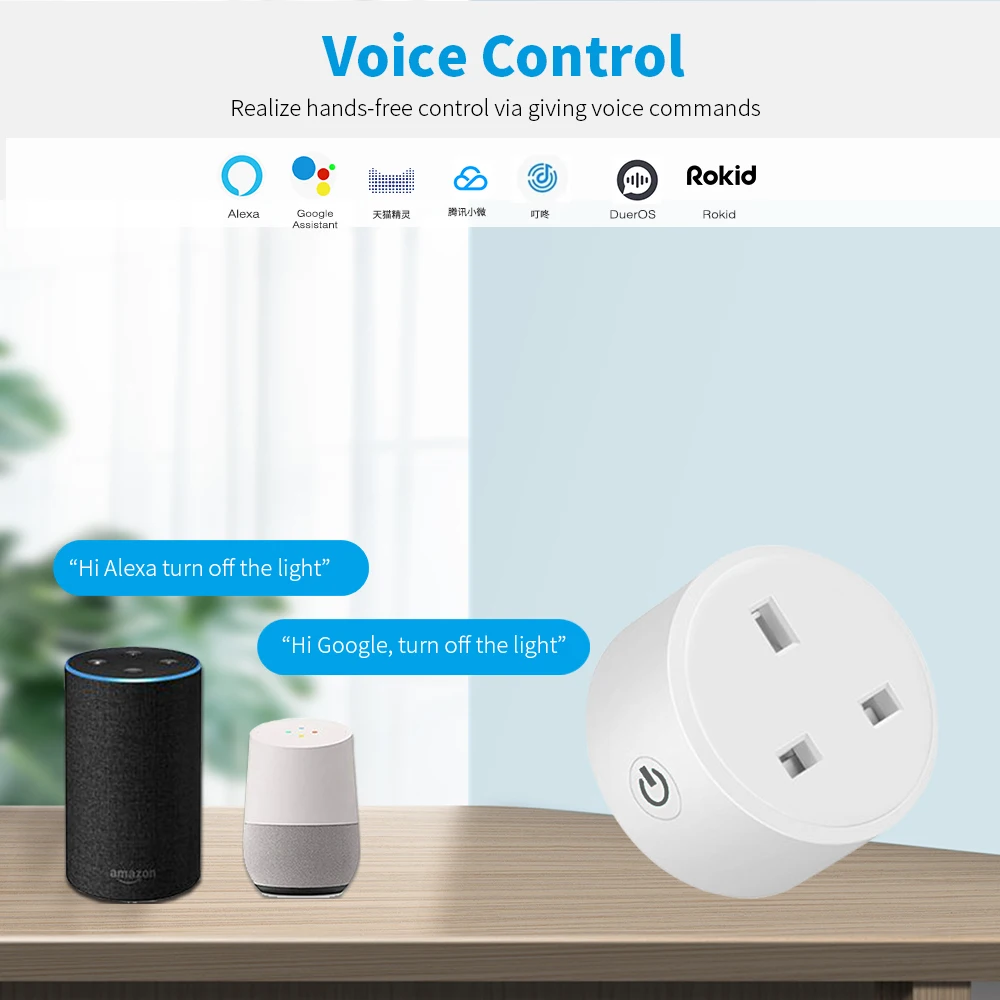
Superpower 2:Mobile APP Remote Control
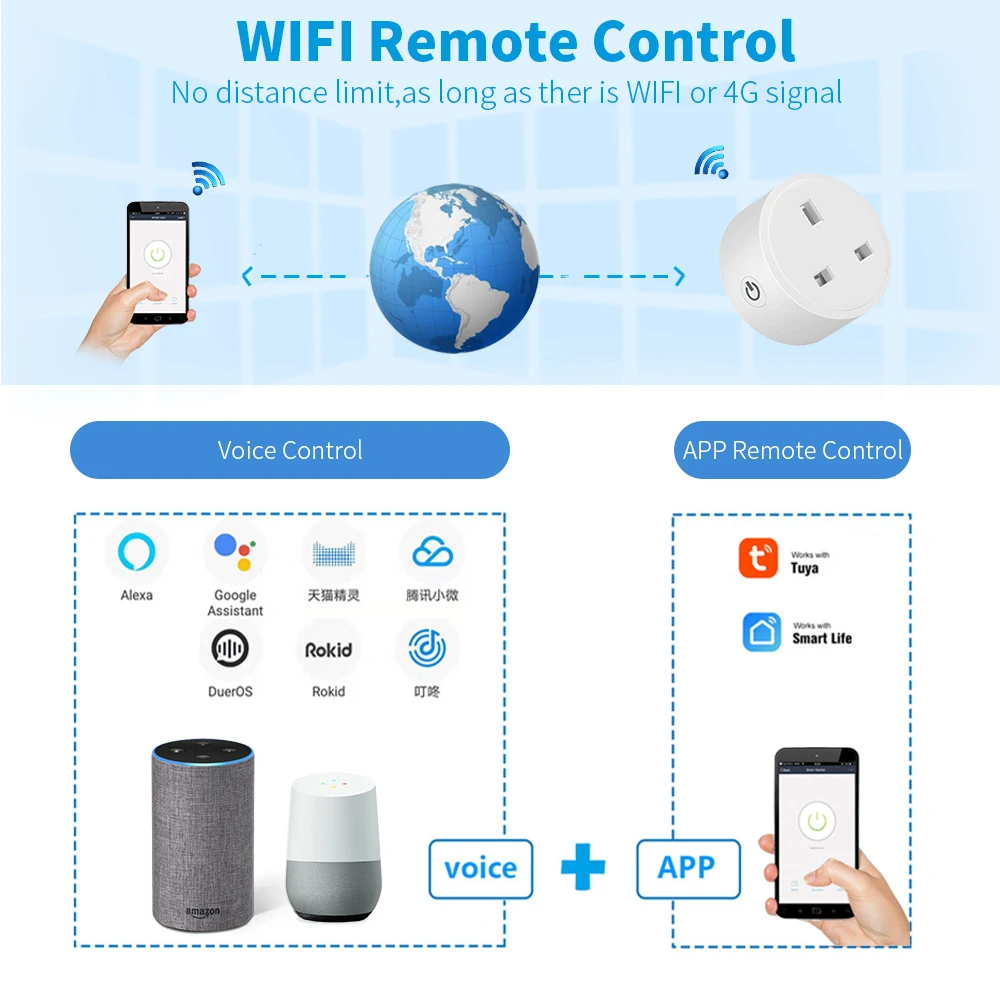
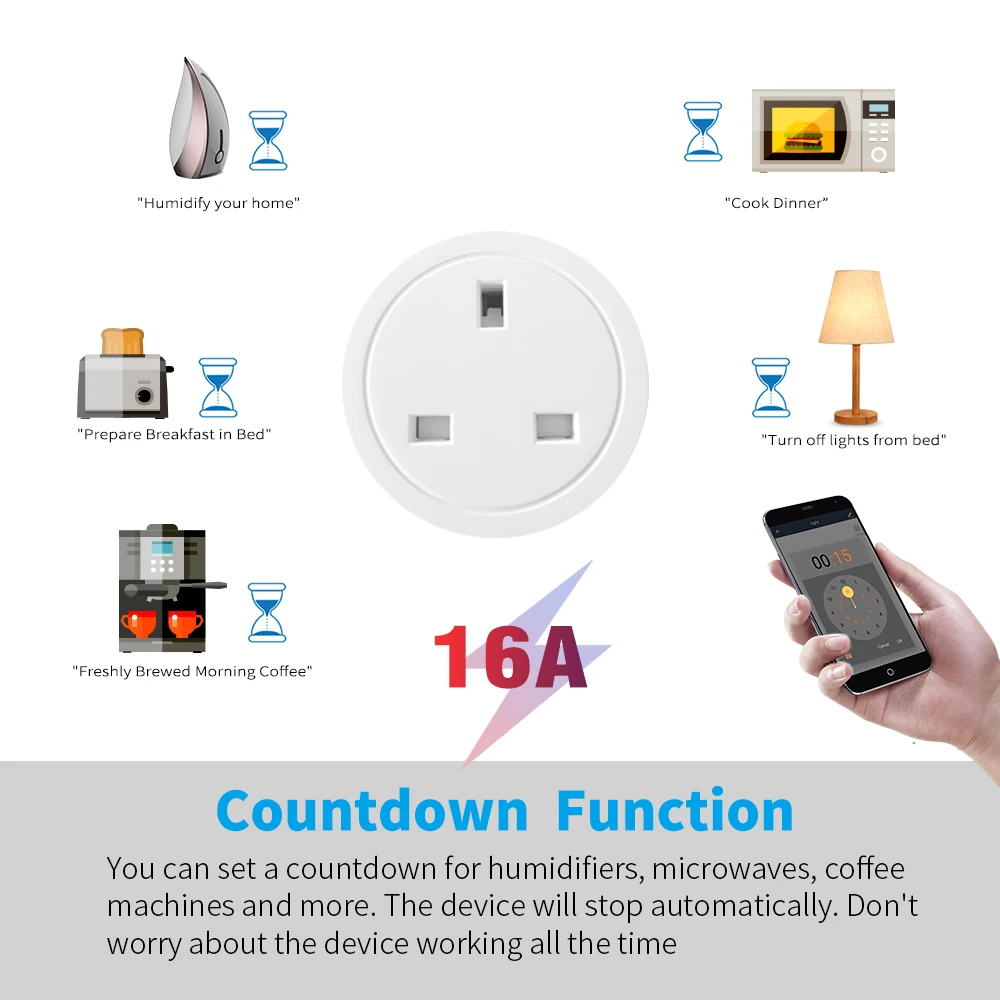
Superpower 3:Countdown Function
Superpower 4: Power Monitor
Please pay attention to the options "No Power Monitor" and "WITH Power Monitor".
Only one of the functions is different, the other functions are the same, and the appearance is the same.
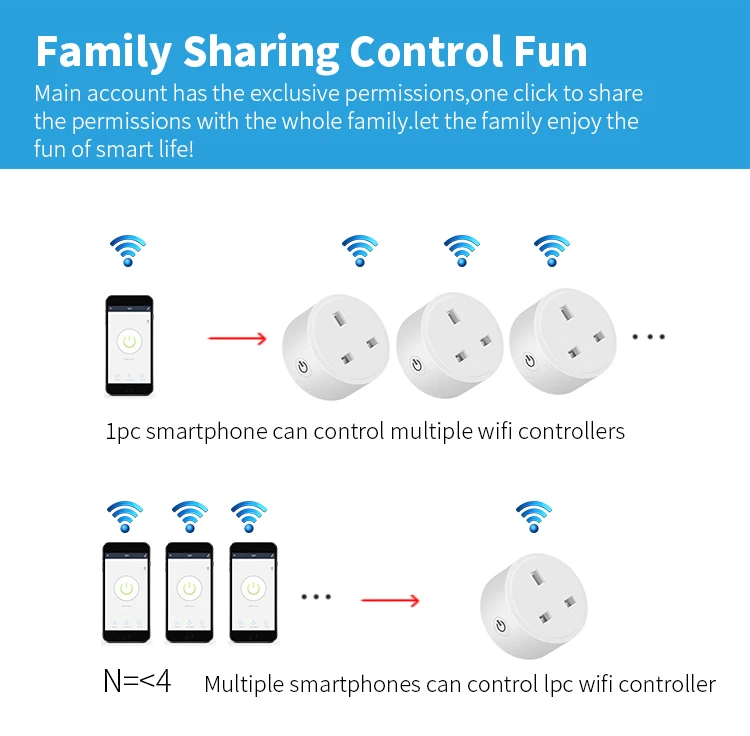
Superpower 5:Family Sharing Control Fun
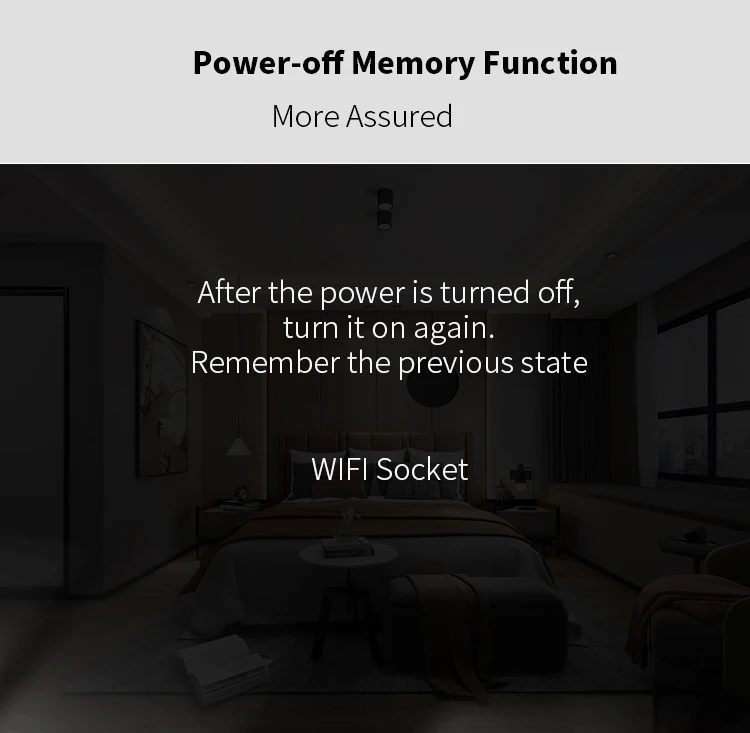
Superpower 6:Power-off Memory Function

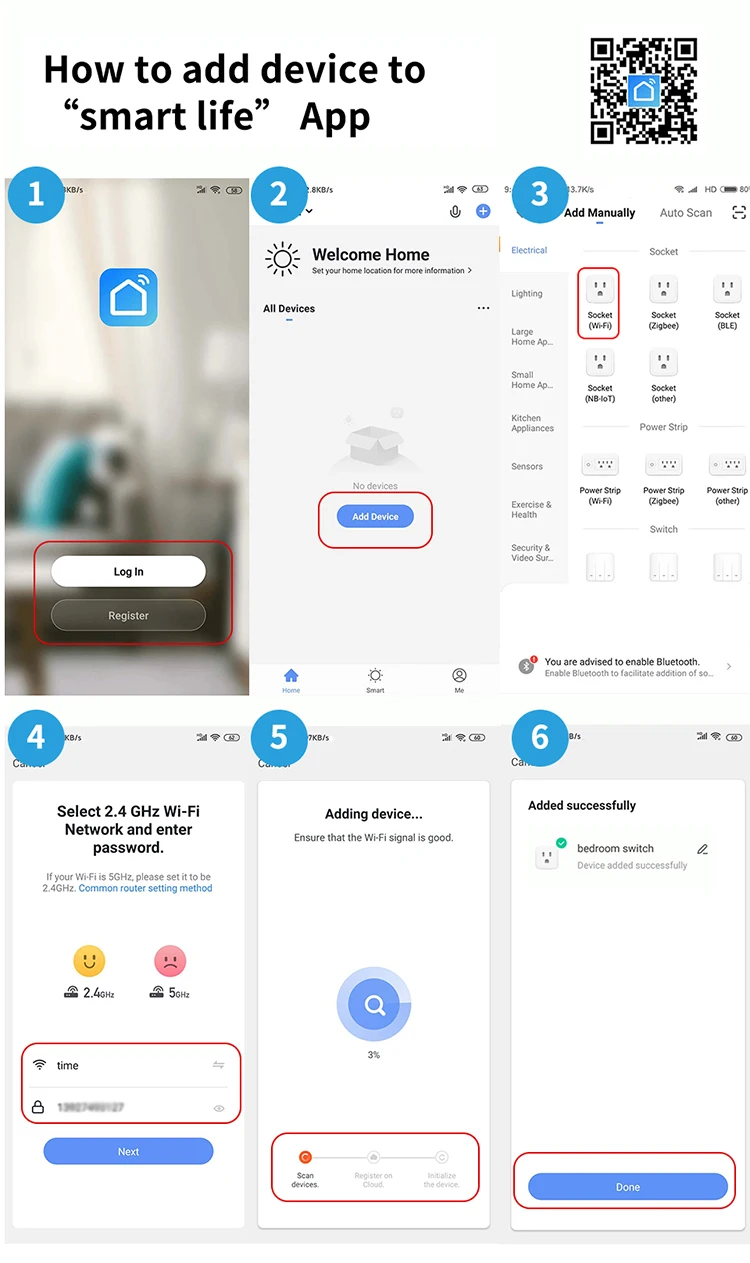
How to add device to mobile app
1.Scan the QR-code of the manual or Search ' Smart Life ' to download and install the device's APP
2.After the wiring is completed, turn on the power and operate according to the status of the smart switch indicator:
3.If the red light of the smart switch flashes continuously at this time, it indicates that the smart switch has entered the state of waiting for connection to WiFi; then open the APP and follow the instructions to connect to WiFi.
4. If the indicator light of the smart switch is not flashing red light, please press the button of the smart switch and keep it for more than 5 seconds until the red light flashes continuously, then open the APP and connect to the WiFi according to the manual.
Warranty & Service

Official Genuine Guarantee